
Instagram Bulk Video Downloader – Download All Videos from Any Profile at Once (Free & HD)
Instagram Bulk Downloader
Fetch & download all public videos from any Instagram profile
Paste any public Instagram profile URL or @username
Fetching videos from Instagram…
This can take up to 60 seconds
Downloading Instagram videos one by one is painfully slow — copy a link, open a tool, save a file, then repeat. If you need a creator’s entire Reel history, an archive of your own posts, or a whole collection of clips for offline viewing, there’s a smarter way. An Instagram bulk video downloader lets you paste a profile link once and pull multiple videos in a single pass i.e. FastInstaDL.com. This guide explains exactly how it works, how to use it, and what to expect when fetching large profiles.
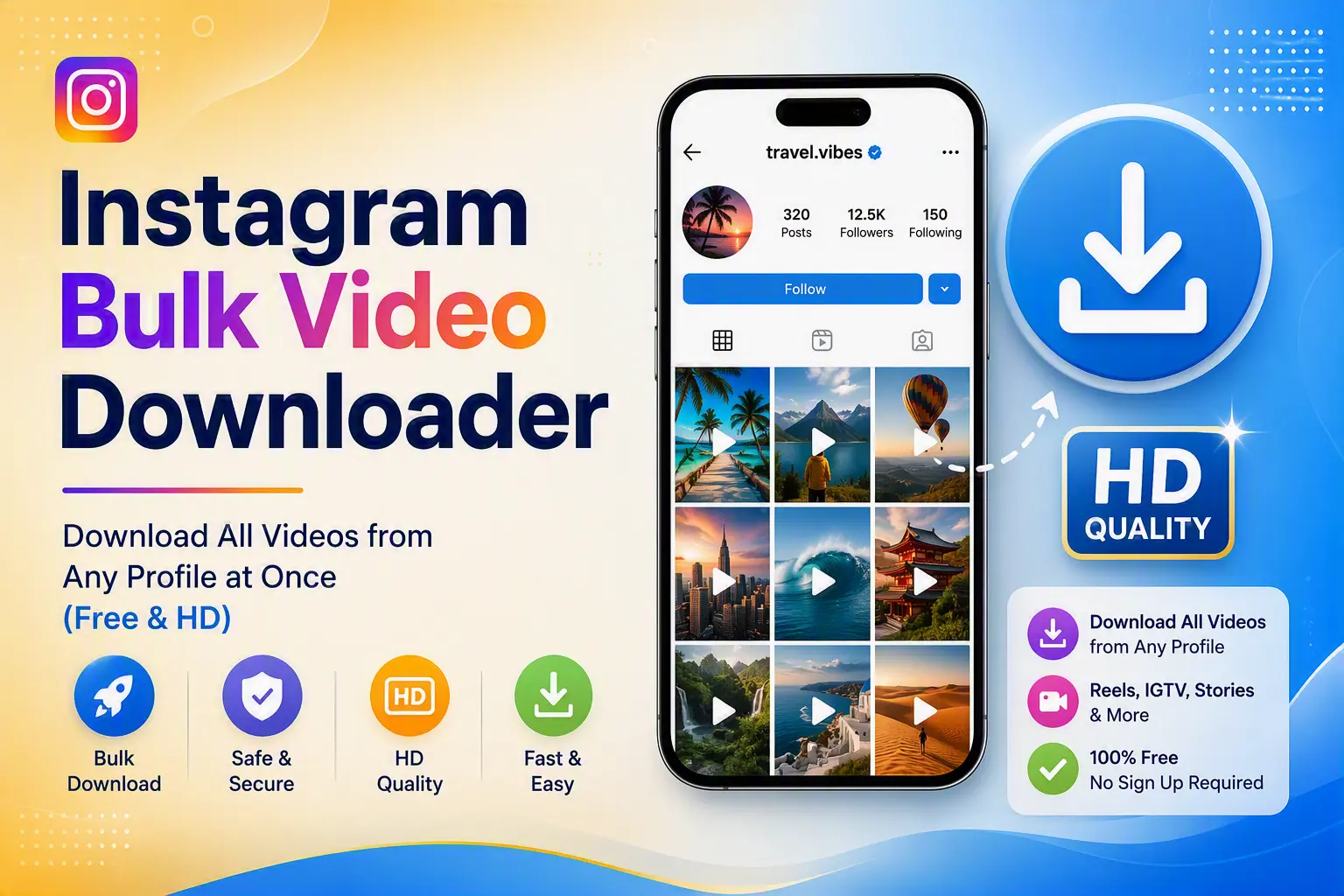
What Is an Instagram Bulk Video Downloader?
An Instagram bulk video downloader is a tool that allows you to download multiple videos from an Instagram profile in one session, rather than downloading each video one by one.
Unlike single-video downloaders, a bulk downloader:
This saves enormous time, especially when dealing with profiles that have dozens—or hundreds—of videos.
How FastInstaDL Instagram Bulk Video Downloader Works
The process is straightforward and requires no technical knowledge:
Step 1 – Copy the Instagram Profile URL
Go to Instagram and open the public profile whose videos you want to download. Copy the full profile URL from your browser (e.g., https://www.instagram.com/username/).
Step 2 – Paste the Link into the Tool
Visit FastInstaDL.com, paste the copied profile URL into the input field, and hit “Fetch Videos” or the equivalent button.
Step 3 – Let the Tool Collect All Videos
The tool will now scan and collect all available videos from that Instagram profile. This may take a few seconds to a minute depending on the number of videos and your network speed.
⚠️ Important Note: During the data-fetching phase, the tool may occasionally show an error. This is completely normal and nothing to worry about. Simply retry 2 to 3 times—the tool will successfully collect the data. Temporary fetch errors are often caused by network fluctuations or Instagram’s server response timing, not a tool malfunction.
📌 Also Note: Due to processing delays during fetching, the number of videos displayed may vary between sessions. Sometimes it fetches more videos, sometimes slightly fewer. This is a natural behavior tied to real-time data loading—not missing content.
Step 4 – Preview & Select Videos
Once fetched, all collected videos are displayed in a clean gallery. You choose which ones to download—download all, or handpick only the ones you need.
Step 5 – Download in HD, Without Watermark
Click download on your selected videos. They save directly to your device in original HD quality—clean, crisp, and completely watermark-free.
Key Features at a Glance
| Feature | Details |
|---|---|
| Bulk Downloading | Fetch all videos from a profile at once |
| Selective Download | Choose specific videos, not just all-or-nothing |
| HD Quality | Original resolution preserved |
| No Watermark | Clean output, ready to use |
| 100% Free | No subscription, no hidden fees |
| Browser-Based | Works on Chrome, Safari, Firefox—no app needed |
| No Login Required | No Instagram credentials needed |
| Device Compatible | Works on Android, iPhone, Windows & Mac |
Who Should Use This Tool?
This Instagram bulk video downloader is built for a wide range of users:
Why Choose FastInstaDL Over Other Downloaders?
Most Instagram video downloaders only handle one video at a time. They require you to open every video individually, copy its link, paste it, and download. For a profile with 32+ videos, that’s an exhausting, repetitive process.
FastInstaDL eliminates that entirely.
With one profile link, the tool does all the heavy lifting—fetching, organizing, and presenting videos in one place so you can download what you want in minutes, not hours.
Compared to similar tools, FastInstaDL offers:
Frequently Asked Questions (FAQ)
Q1. Can I download videos from private Instagram accounts?
No. This tool only works with public Instagram profiles. Accessing private content violates user privacy and platform terms of service.
Q2. Why is the tool showing an error while fetching videos?
This is a common and temporary issue caused by network timing or Instagram’s server response. Simply try again 2–3 times and the tool will successfully load the videos.
Q3. Why are fewer or more videos showing than expected?
Fetching happens in real-time and is subject to loading delays. The number of videos displayed can vary slightly between sessions. This is normal behavior—not a bug.
Q4. Is this tool completely free to use?
Yes. FastInstaDL’s Instagram bulk video downloader is 100% free with no hidden charges, subscriptions, or premium tiers.
Q5. Do I need to install any app or software?
No. The tool is entirely browser-based. It works on any modern browser on any device—no installation required.
Q6. Will my downloaded videos have a watermark?
No. All videos are downloaded in their original HD quality without any watermark.
Q7. Is it safe to use FastInstaDL?
Yes. The tool does not ask for your Instagram login credentials at any point. Your account security is never at risk.
Q8. Can I use this on my phone?
Absolutely. FastInstaDL works on Android, iPhone, and tablets directly through your mobile browser.
Final Thoughts
If you’ve been downloading Instagram videos one by one, it’s time to upgrade your workflow. The FastInstaDL Instagram Bulk Video Downloader gives you the speed, control, and quality you need—fetching entire profile video libraries in one go, letting you choose exactly what to save, and delivering it all in HD with no watermark.
It’s free, it’s fast, and it works right in your browser.
👉 Try the Instagram Bulk Video Downloader at FastInstaDL.com