
Instagram Story Downloader Save Stories Anonymously Before They Disappear
Instagram Story Downloader
View and download active 24-hour Instagram stories and video highlights anonymously.
Save Stories Anonymously Before They Disappear
Instagram Stories vanish after 24 hours. If you don’t save them in time, they’re gone—sometimes permanently. And screen recording isn’t a real fix: the app shows you in the story’s viewer list, and the capture adds a watermark. An Instagram Story downloader lets you save a story quietly, as a clean file, before that 24-hour window closes. Here’s how it works, what’s safe to do, and what no honest tool will claim.
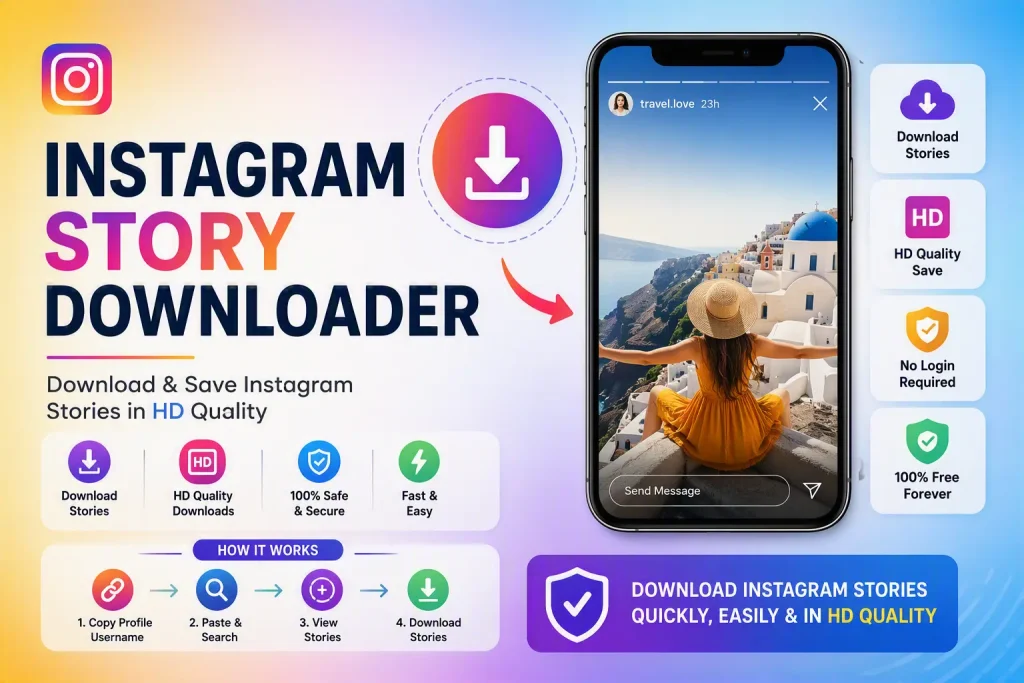
What Is an Instagram Story Downloader?
An Instagram Story downloader is a browser-based tool that saves a story—photo or video—as a file on your device. You copy the story’s link, paste it into the tool, and it fetches the original upload: full quality, original audio, no watermark. Because it runs in your browser, there’s no app to install, no login, and no APK to sideload.
The time-sensitive nature of Stories makes this especially useful:
- Preserving a creator’s story before it expires
- Saving a friend’s story you want to keep
- Archiving your own Stories before the 24-hour window ends
- Keeping a Story in original quality instead of a screen recording
How to Download an Instagram Story (Step by Step)
Stories are only available for a day, so the process is quick—usually under 30 seconds.
Step 1: Copy the story link. Open the story you want in the Instagram app or on the web. Tap the three-dot menu (or the share arrow) and choose Copy link.
Step 2: Paste it into the downloader. Go to FastInstaDL.com, paste the link into the box, and start the download. The tool fetches the story while it’s still live.
Step 3: Save the file. Choose your quality and save. Photos come down as images and videos as MP4 with the original audio, straight to your Downloads folder.
Because a story only exists for 24 hours, it’s best to download it the moment you decide you want it—waiting usually means missing the window.
Save Instagram Stories Anonymously
One of the biggest reasons people use a Story saver is anonymity. Instagram tells the account owner who viewed their story. A link-based downloader doesn’t touch your account at all, which means:
- The creator won’t be notified that you saved the story
- Your name never appears in their viewer list
- You don’t have to log in or hand over your credentials
This works for any public account’s story. The file you save is identical to the original upload—no watermark, no re-encoded screen recording.
Story Saver Apps vs. Browser-Based Tools
Many searches for an Instagram Story downloader actually mean “story saver app” or an APK. Here’s the honest trade-off:
Third-party story saver apps and APKs are popular, but they come with real risks: excessive ads, aggressive permission requests, and apps that quietly break after every Instagram update. A browser-based downloader avoids all of that. It works the same on iPhone, Android, Windows, and macOS, needs no installation, and never asks for access to your phone’s storage or contacts. If you want the safest way to save Stories, an online tool is the better choice.
Can You Download Stories From a Private Account?
This is where you should be skeptical of any tool. Downloading Stories from a private account you don’t follow isn’t possible without accessing that account—which means logging in as someone with permission. Legitimate downloaders, including FastInstaDL.com, only work with public accounts. Any app or service that promises private Story downloads is usually asking for your login credentials, which puts your own account at risk. If a tool insists on your password to work, close it.
What About Story Highlights and Reels?
Stories that you save as Highlights live permanently on a profile. The same link-copy and paste method works for Highlights, and FastInstaDL.com can also fetch multiple Stories and videos from a full profile link in one pass—handy if you want to archive an account’s Highlights and Reels together rather than one clip at a time.
Is Downloading Stories Legal?
Saving a public Story for personal, offline use is widely accepted and works the same way as saving a public photo. Redistributing someone’s Story without permission, using it commercially, or reposting it as your own crosses the line. Stories belong to their creators, so keep your downloads personal and respect copyright and Instagram’s terms of service.
Frequently Asked Questions
How do I download an Instagram Story without the person knowing? Use a link-based downloader. Because you never log in, the creator isn’t notified and your name doesn’t appear in their story’s viewer list.
Can I download stories from a private account? No. Legitimate downloaders only work with public accounts. Tools that claim to download private Stories usually require your login, which we recommend against.
Do I need an Instagram Story download app? No. Everything runs in your browser, so there’s no app, no APK, and no installation required on any device.
How long do I have to download a Story? Stories disappear 24 hours after they’re posted. Highlights, which are pinned to a profile, can be downloaded any time.
Will the download include audio? Yes. Video Stories download as MP4 files with the original audio intact.
Is it really free? Yes. FastInstaDL.com is free, with no daily limits, no watermark, and no account required.
Save the Story Before It’s Gone
Stories are fleeting, but they don’t have to be lost. Copy the link, paste it into FastInstaDL.com, and save any public Story in its original quality—anonymously, free, and without a watermark. Before the 24 hours are up